How to Use a Credit Union Share Account for Emergency Savings

Last updated: November 19, 2026
Key Takeaways
- A credit union share account can hold emergency cash inside your membership, often alongside checking and other subaccounts.
- Open one account, give it a single purpose, and fund it on a schedule so the balance grows predictably.
- The most useful features are the ones that keep cash reachable in a true emergency and harder to spend impulsively.
- Transfers work best when you connect the spending account first, then move money to checking before you pay the bill.
Your emergency savings can sit in a credit union share account, and for many people that is a simple place to start. Quick answer: a share account can work well for emergency savings if you want a separate cash bucket that is easy to reach and harder to spend by accident. This guide to How to Use a Credit Union Share Account for Emergency Savings explains how to set it up, move money in, and avoid the mistakes that turn “savings” into a balance you still touch every month.
What a credit union share account does for emergency savings
A credit union share account gives you a place to hold emergency cash inside your membership, usually alongside a checking account and sometimes other subaccounts. Picture this: you want your emergency fund close enough for a same-day bill, but not sitting in the account you swipe for groceries. A share account is built for that job.
The basic idea is simple. You join the credit union, open the share account, and use it as the home for money you do not want mixed with daily spending. In many credit unions, this account is the membership share that makes you an owner-member, not just a customer. That structure matters because it often keeps the emergency fund in the same online banking setup as your other accounts.
Here’s the catch: a share account is not magic. It can still be easy to drain if you leave it linked too tightly to your debit card habits. Use it as storage, not as a spending lane.
- Keep the account separate from your checking account.
- Give it a clear label, like “Emergency Fund.”
- Leave the debit card off the account if your credit union allows that.
- Turn on alerts for withdrawals and low balances.
A generic savings account article would stop there. This one has to answer the real question: how do you use the share account day to day without making it too tempting? The answer is to keep the account accessible, but not frictionless. That balance is the whole point.
For background on the bigger picture of emergency-fund storage, the hub on Emergency Fund Storage and Liquidity Choices can sit beside this guide.
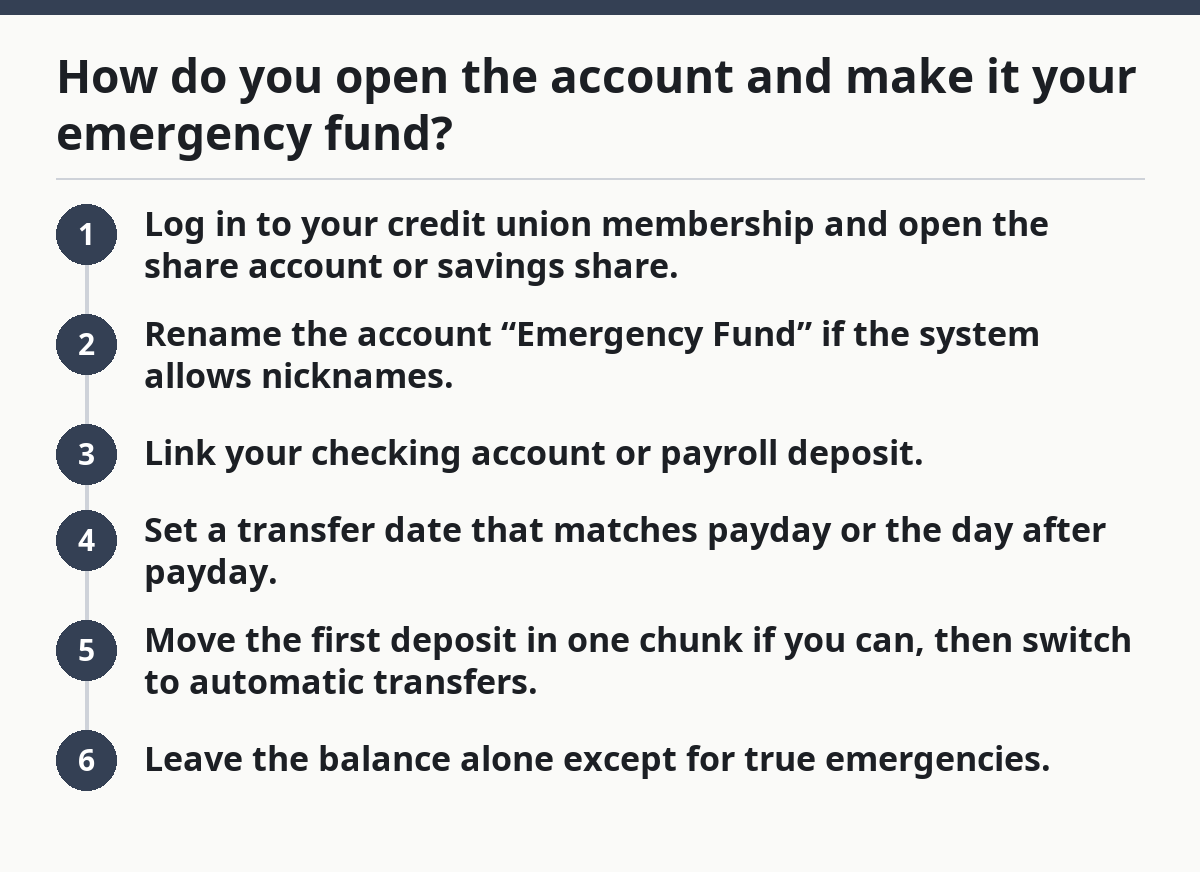
How do you open the account and make it your emergency fund?
You open the account, give it one job, and fund it on a schedule so the balance grows without guesswork. Picture this: you already have a credit union membership, and now you want one account that holds three to six months of expenses or whatever cushion you’re building toward. The setup takes about 15 to 30 minutes online at many credit unions, then the habits matter more than the forms.
Start with the account name and the transfer route. If the credit union offers account nicknames, label the share account clearly so you do not confuse it with a holiday fund or a general savings bucket. Then link the funding source, usually checking from the same credit union or an external bank account.
- Log in to your credit union membership and open the share account or savings share.
- Rename the account “Emergency Fund” if the system allows nicknames.
- Link your checking account or payroll deposit.
- Set a transfer date that matches payday or the day after payday.
- Move the first deposit in one chunk if you can, then switch to automatic transfers.
- Leave the balance alone except for true emergencies.
That last step matters. A $25 transfer every week is better than a vague promise to “save what’s left.” Predictable transfers beat intention almost every time.
On the flip side, do not wait for the “perfect” amount before opening the account. A $100 start is still a start. A zero balance helps nobody.
Which account features help, and which ones get in the way?
The most useful features are the ones that make money easy to access in a real emergency and awkward to spend on impulse. Picture this: your car battery dies on a Tuesday, the repair shop wants payment now, and you need to move money without waiting three business days. That is what the right account setup should handle.
Look for plain access first. Online transfers, mobile app access, ATM access if needed, and clear routing to a checking account are the main tools. Some credit unions also let you transfer money quickly between internal accounts, which is useful when your emergency fund and checking sit under the same membership.
What helps most:
- Same-day or near-immediate internal transfers.
- Online and mobile banking.
- Alerts by text or email.
- A visible transaction history.
- The ability to name or split subaccounts.
What can get in the way:
- A required visit to a branch for simple transfers.
- Long hold times on external transfers.
- A debit card attached to the savings side when you do not want temptation.
- Confusing account labels that mix emergency cash with vacation money.
The truth is, a pretty interface is not always the best one. A flashy app does not matter if transfers are slow. A plain share account with clean transfer rules is often better than a fancy setup that makes you think too hard in a crisis.
Use these checkpoints:
- Can you move money from share to checking in the app?
- Does the credit union show transfer timing before you confirm?
- Can you keep the emergency fund separate from daily spending?
- Can you see the balance in under 10 seconds?
A share account that fails those checks can still work, but it takes more discipline. That is a bad trade for most beginners.
For comparison, the NCUA explains how share accounts work, and Consumer Financial Protection Bureau guidance on savings habits can help you keep the balance purposeful.
How do transfers work when you actually need the money?
Transfers work best when you pre-connect the account you’ll spend from, then move cash from the share account into checking before you pay the bill. Picture this: your water heater quits, and the plumber wants a card, a check, or an instant transfer. The emergency fund is doing its job only if the money can leave the share account fast enough to meet the deadline.
The cleanest setup is a two-step path: share account to checking, then checking to the merchant or ATM. Most credit unions are built for that. Internal transfers often move instantly or the same business day, while external transfers can take longer depending on the institution and cutoff time.
Use this sequence:
- Open the app or website.
- Choose the transfer from the share account to checking.
- Enter the amount you actually need, not the whole balance.
- Confirm the posting time if the system shows it.
- Pay the bill from checking once the money lands.
If you use ATM withdrawals, check whether your debit card is attached to checking or to the share account. Many people get tripped up here. The card should usually point to the account you use for spending, not the account you mean to protect.
A 24-hour emergency is not the time to discover that your external transfer settles in 2 business days. Test the path once, before you need it. Move a small amount, then move it back. That dry run tells you more than any brochure.
Once the transfer path is set, you can keep the emergency fund out of sight while still knowing it is reachable.
What local access changes for emergency savings
Local access matters when your emergency is physical, not just digital. Picture this: your phone dies, your internet is down, or you need cash from a branch near home because a landlord or repair person will not take a card. In those cases, nearby branch access or a shared branch network can be the difference between easy and annoying.
Many credit unions are built around membership and local service, so the branch footprint can be smaller than a big bank’s. That is not automatically a problem. It just means you should know how to reach your money outside the app. Ask whether the credit union is part of a shared branching network, whether it offers ATM access with low or no fees, and whether you can make withdrawals or cashier’s check requests in person.
Use local access as a backup plan, not the main plan.
- Keep the emergency fund in the share account.
- Keep a small amount in checking for fast spending.
- Know which branches or ATMs are actually nearby.
- Save the credit union’s phone number before you need it.
A small local network can be fine if the online transfer setup is strong. The problem shows up when both are weak. If you need branch access often, the account may still work, but you will feel the limits more than you want during an urgent repair.
The trade-off is simple: a local credit union may give you personal service and clear membership rules, but you may have fewer physical locations than a national bank. That is not a dealbreaker by itself. It is a planning detail.
What mistakes make a share account a bad emergency fund?
The biggest mistake is treating the share account like a backup checking account. Picture this: the balance looks healthy, so you keep dipping into it for school supplies, holiday travel, or a last-minute online order. A month later, the emergency fund is thin and the next surprise bill has no cushion.
A second mistake is leaving transfer friction to chance. If you have not checked the transfer path, you might find out too late that the money cannot move fast enough. That can cost you late fees, extra interest, or a payment delay you could have avoided. If you are unsure how a transfer setup affects a specific bill, review it with your credit union or a financial professional before relying on it.
Watch for these traps:
- Using the share account for routine purchases.
- Keeping the debit card tied to the emergency balance.
- Mixing emergency money with vacation or sinking funds.
- Ignoring transfer timing before a real bill hits.
- Not naming the account clearly.
The fix is boring, and boring works. Set one account aside, feed it on a schedule, and use checking as the spending layer. If your credit union offers subaccounts, labels, or transfer rules, use them. If it does not, use a plain spreadsheet or note on your phone so the purpose stays clear.
This setup is wrong for someone who wants the highest possible return on every dollar and is unwilling to trade a little yield for easier access. It is also a poor fit if you need instant cash from a branch every week. In that case, the account structure may be too slow or too thin on local access.
A simple setup you can run this month
A good share-account plan is small, clear, and repeatable. Picture this: you open the account, move in your first deposit, and build a habit that takes less than 5 minutes each payday. That is the point. The account should help you save without becoming another project.
Use this order:
- Confirm you have membership at the credit union.
- Open the share account and label it for emergencies.
- Turn on alerts for withdrawals and balance changes.
- Link checking or payroll for automatic transfers.
- Make the first deposit.
- Test one transfer in and one transfer back.
- Leave the money alone unless a real emergency hits.
If you want a quick rule, use this one: the account should be easy to reach in under a few taps, but not so easy that you raid it for non-emergencies. That balance is what makes the share account useful.
For a deeper look at storage choices across the whole emergency-fund topic, the hub on Emergency Fund Storage and Liquidity Choices is the right next stop.
Can a credit union share account hold emergency savings?
Yes. A credit union share account can hold emergency savings, and that is one of its most practical uses. It gives you a separate place for cash inside your membership, with online access and transfer options that usually fit short-notice needs.
What features matter most?
The most useful features are easy transfers to checking, clear account labeling, alerts, and some form of local or ATM access. A simple setup beats a fancy one if the money is hard to move when you need it. A transfer path that works in minutes is more useful than a long list of extras. For a closer look at how share accounts are regulated, see the NCUA.
How do transfers work?
Transfers usually move from the share account to checking through online banking or the mobile app. You then spend from checking, which keeps the emergency fund separate from daily purchases. If you rely on an external transfer, check the timing first so you are not waiting on a 1- to 2-business-day delay during an urgent expense.
Drafted with AI; not yet reviewed by a person.