Last updated: November 20, 2026
Quick Answer: You can give a trusted person authorized access to your emergency fund without putting them on the account title. The cleanest path is usually view-only access, transfer permissions, or a power of attorney, not joint ownership. The steps below settle which setup fits, what each one can do, and where the limits are.
Key Takeaways
- Limited access lets someone help with a defined task, without becoming an owner of the money.
- Ask the financial institution for the narrowest access type, then write the limits before activation.
- The best setup is the one that matches the task with the least power.
- Set 3 limits: what they can see, what they can move, and how long it lasts.
What emergency fund access without co-ownership actually means
Authorized access without co-ownership means the person can help in a defined way, but they do not become an owner of the money. That keeps the account in your name while letting someone else view balances, move money under limits, or contact the bank in a crisis.
If you are working on How to Give a Trusted Person Emergency Fund Access Without Making Them a Co-Owner, the point is to separate help from ownership. Picture this: you’re setting up a backup plan for a hospital stay, a travel delay, or a short-term loss of phone access, and you want one trusted person to act fast without gaining control of the whole account. That’s the use case for authority limits, not a joint account. A bank or credit union may call the setup a view-only profile, authorized signer, or a power of attorney arrangement.
Use this page when your goal is access, not ownership.
Not the same thing.
A co-owner can usually withdraw money as if it were theirs, and that changes the legal shape of the account. A trusted contact can usually speak with the institution about concerns, but that person often cannot move funds at all. A power of attorney can be broader, but it is a formal document and the bank still decides how to honor it.
Before you do anything, think in 3 lanes:
- See the account
- Move money
- Call for help if something looks wrong
Those lanes are the whole story.
How to give someone access without adding them to the account
You do it by asking the financial institution for the narrowest access type that matches the job, then setting written limits before the bank activates it. That usually means choosing between view-only access, transfer permissions, a trusted contact, or a power of attorney.
Picture this: you’re at a branch or logged into online banking, and the rep asks what you want this person to do during an emergency. Your answer should be plain and specific. Do you want them to see balances only, move money to one linked account, or contact the institution if you’re unreachable? The answer determines the form.
Use this order:
- Bank access controls — Ask what access types exist on the account. Some banks offer view-only login roles, transaction rights, alerts, or secure messaging permissions. If you are unsure, ask the institution to explain the difference in writing or consult a financial professional.
- Authority limits — State exactly what the person can do, such as “view balances only” or “transfer up to a set amount to this one account.”
- Trusted contact — Add the person as a contact if the bank offers it and you want them to help the bank verify concerns, not control funds.
- Power of attorney — Use this if the access needs to survive an incapacity event or cover more than basic viewing.
- Written record — Keep a copy of the bank form or signed document with the account details and your limits.
A person can be both a trusted contact and a limited viewer, without becoming a co-owner.
That can make the setup more flexible without changing the title.
Which option fits the job: view-only access, transfer permissions, or power of attorney?
The right option is the one that gives the smallest power needed for the task. View-only access is best for checking balances. Transfer permissions fit a narrow emergency move. Power of attorney is the broadest tool and should be used when the person may need to act for you if you cannot.
Because the job can change, the access type should change with it. Picture this: you’re deciding whether your spouse, sibling, or friend should just be able to confirm the balance before paying a bill, or whether they need to move money during a true emergency. Different jobs need different tools, and the bank will care about that distinction. So will your risk if the relationship changes.
Here’s a simple fit check:
- View-only access: best when the person only needs to confirm available cash, recent activity, or whether the fund is still intact.
- Transfer permissions: best when the person needs to send money to one preset destination, such as your checking account or a bill-pay account.
- Power of attorney: best when the person may need to act for you over time, sign forms, or deal with the bank if you’re unavailable.
The broader the access, the harder it is to pull back quickly.
That is why narrow access is usually easier to manage.
If you only need someone to confirm “yes, the emergency fund is there,” don’t give them transfer rights. If you need them to move money, keep the permission narrow and linked to one account or one process. If the bank asks for a standard form, use its version rather than a homemade note. That lowers the odds of rejection.
What limits should you set so the person can help but not take over?
You should set at least 3 limits: what they can see, what they can move, and how long the access lasts. Those limits keep the arrangement tied to an emergency, not an open-ended handoff.
Because the paper matters as much as the permission, write the rules before the form is signed. Once a person has broad access, the bank may treat their actions as authorized. A vague setup like “can help if needed” is sloppy. A good one says what, where, and when.
Use these guardrails:
- Viewing limit: balances only, or balances plus recent transactions.
- Transfer limit: one linked destination, one dollar cap, or one channel only.
- Time limit: access that ends on a date, after a trip, or when the bank receives a written revocation.
- Use limit: emergencies only, with no routine spending.
- Alert limit: require transaction alerts by text or email for every move.
The bank may not offer every limit in every product.
If it doesn’t, ask for the closest match and write the rest into your private instructions.
Keep your emergency fund in an account that supports strong controls. A basic savings account at a financial institution often works better than a setup with loose card access or easy overdraft features. If the bank can’t separate viewing from moving money, choose another institution or another access type. That is a real limitation, and it matters.
What mistakes turn emergency access into shared ownership?
The biggest mistake is adding the person as a joint owner because it feels simpler. That changes ownership, not just access, and it usually gives the other person far more power than an emergency plan needs.
Because ownership changes the account itself, this is the point where people most often go wrong. Picture this: you’re trying to make things easy for a parent, partner, or adult child, so you add them to the account title. The bank now sees two owners, not one owner with a helper. That can affect withdrawals, disputes, death handling, and how money is treated later. It is a common shortcut, and it is the wrong tool for this job.
Watch for these errors:
- Joint account instead of access control: costs you exclusivity and can expose the money to the other person’s actions.
- Too much transfer power: lets the helper move funds beyond the emergency use case.
- No revocation plan: leaves old access active after a breakup, move, or family dispute.
- No bank confirmation: creates a setup the institution may not honor when it matters.
- Handing over login details: breaks the bank’s security rules and can void protections.
Use this instead:
- Ask the bank for a named access role.
- Put limits in writing.
- Keep the person off the title.
- Review the setup after any life change.
That is the safer path.
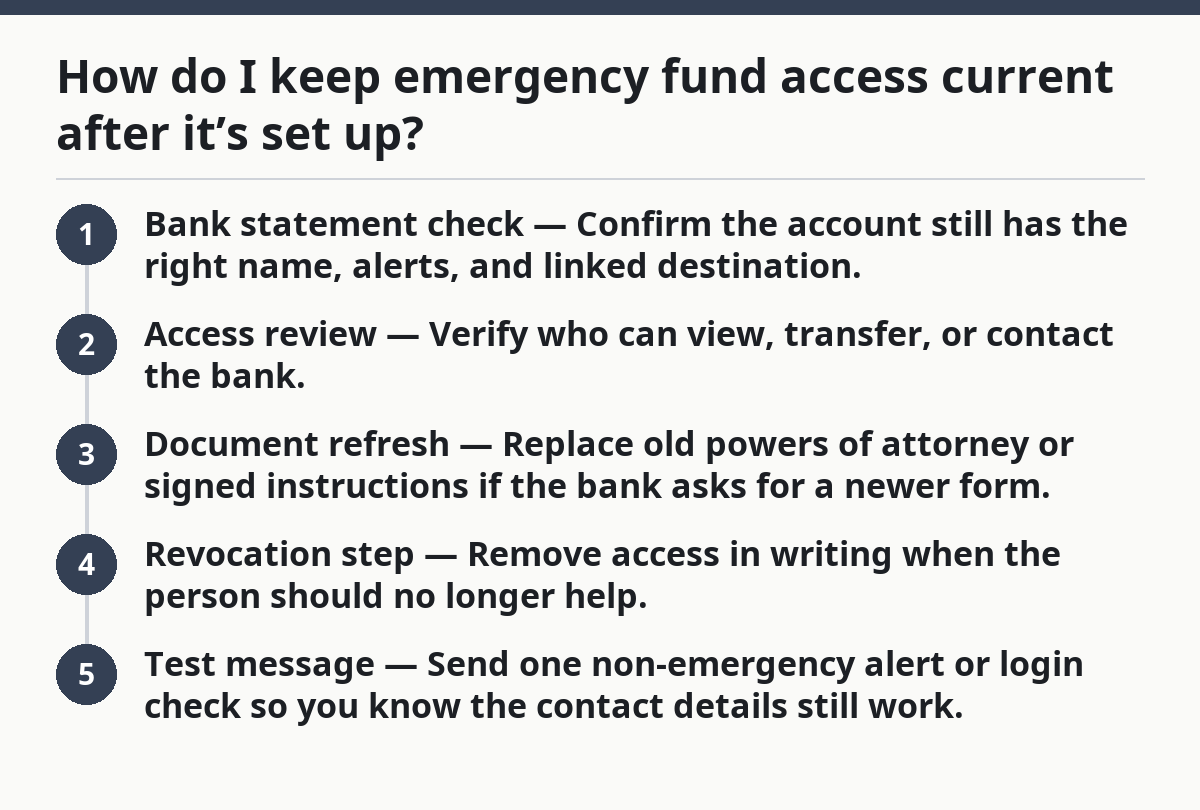
How do I keep emergency fund access current after it’s set up?
You keep it current by reviewing the access at least once a year and after any major life change. A setup that made sense 18 months ago may be wrong after a move, a divorce, a job change, or a new bank policy.
Once the plan exists, the next task is to keep it from going stale. Picture this: the person you trusted is no longer the right person, or the old transfer account is closed. That is where many people get stuck. The access still exists on paper, but it no longer fits the real emergency plan.
Use a simple review routine:
- Bank statement check — Confirm the account still has the right name, alerts, and linked destination.
- Access review — Verify who can view, transfer, or contact the bank.
- Document refresh — Replace old powers of attorney or signed instructions if the bank asks for a newer form.
- Revocation step — Remove access in writing when the person should no longer help.
- Test message — Send one non-emergency alert or login check so you know the contact details still work.
A stale access plan is a bad plan.
It fails when it is needed most.
If the institution offers online bank controls, check whether you can manage permissions yourself or must visit a branch. Some banks let you change alerts in minutes; others require a form. Keep the institution’s phone number with the emergency fund instructions, not buried in a password manager someone else can’t reach.
Which setup is best for your emergency fund?
The best setup is the one that gives the least power needed and can be revoked fast. For most people, that means view-only access or a narrow transfer permission, not co-ownership.
Because the choice depends on the task, start with the smallest workable role. Picture this: you want one trusted person to help in a real emergency, but you do not want them to become a second owner of the money. That goal points to a limited access role, a trusted contact, or a power of attorney with tight instructions—not a joint account.
If you want a simple rule, use this:
- Choose view-only access if the person only needs information.
- Choose transfer permissions if they must move money to one place.
- Choose power of attorney if the person must act for you in a broader legal or banking sense.
- Avoid co-ownership unless you truly want shared ownership and shared control.
The hub page on emergency fund ownership and access authorization can help you compare the other account structures that sit around this decision. This page stays focused on one job: giving access without giving ownership.
Can someone help me use my emergency fund without owning the account?
Yes. A person can help without owning the account if the bank gives them view-only access, transfer rights with limits, a trusted contact role, or authority under a power of attorney. The key is that their name stays off the account title. Ask the financial institution which access tools it supports before you sign anything.
What is the difference between an authorized user and a co-owner?
An authorized user can usually act within the limits the bank sets, while a co-owner shares the account title and ownership. That difference matters because a co-owner often has much broader control. If you only want help with emergencies, ask for a limited access role instead of joint ownership.
How do I limit emergency fund access for another person?
Limit access by narrowing what they can see, what they can transfer, and how long the permission lasts. Put the limits in the bank’s form or in a power of attorney that the institution accepts. Also set alerts and remove the access in writing when the need ends.
Drafted with AI; not yet reviewed by a person.