Last updated: November 19, 2026
Key Takeaways
- You do not need a perfect system right now; you need at least one backup way to access funds.
- Browser login, recovery email, SMS codes, and phone checks can help when the app fails.
- A debit card may still work even if the app does not.
- A backup bank account can give you another institution to fall back on if the main path fails.
Your bank app is down, and you need your emergency money now. How to Keep Emergency Savings Available During a Bank App Outage starts with a backup access plan that does not depend on one login screen. The steps below show how to keep your savings reachable through online banking, a debit card, a customer service phone line, and a backup account.
The fastest workable backup plan
Picture this: you open the bank app, the login screen spins, and the bill or repair waiting on the other side will not. You do not need a perfect system right now; you need a bank app outage backup plan that gives you at least one other way in.
Start with the route that works fastest on your current bank today. If online banking in a browser still works, that is usually the first door to try. If not, the customer service phone line and a debit card tied to the same bank may still let you move or spend money. If all you have is the app, you have a single point of failure.
-
Try online banking in a browser first.
Open your bank’s website on a laptop or phone browser and use the same username and password you use in the app. If it works, you should see balances, transfers, and account details without the app loading screen. -
Use the customer service phone line next.
Call the number on the back of your debit card or bank statement and ask what can be done without app access. A working call gets you to a live agent, an automated menu, or both. -
Check whether your debit card still works.
Try a small card purchase or cash withdrawal only if you already need to buy something or get cash. A successful transaction means the card rail is still live even if the app is not. -
Switch to a backup account if needed.
If your bank offers a second checking or savings account, move to that path only when you already know it can be reached by web, card, or phone. The result you want is simple: money you can reach without waiting for the app to come back.
This is not about making your funds unreachable to the bank. It is about making them reachable through more than one door.
What to set up before the outage starts
Before the outage starts, you should set up browser access, a phone path, and a second account path if your bank offers them. If your bank supports text alerts, a landline-style automated phone system, or login recovery through email, those are worth setting up too. The app is just one front end, so you want the bank relationship to survive without it.
Use this checklist before you need it:
- Save the bank’s customer service phone line in your phone and on paper.
- Log into online banking on a browser at least once.
- Make sure your current phone number and email are correct.
- Confirm whether you have a backup account inside the same bank.
- Keep your debit card active and know where it is.
- Store one paper statement or account note at home, not only in your phone.
A generic article often stops here and says “have a backup plan.” That misses the part that matters most: what kind of backup. A working plan has to survive a dead app, a dead battery, or a lost phone. If it only lives inside the same device as the app, it is not a backup.
How do I keep emergency savings available during a bank app outage?
You keep emergency savings available during a bank app outage by giving yourself at least two non-app paths to the same money: browser login and phone access are the most common, while a debit card or backup account can be the fastest fallback.
What trips people up is treating “available” as a single thing. For emergency money, availability means you can see it, reach it, and use it when the app is frozen. For guidance on account access and digital safety, see Consumer Financial Protection Bureau and FDIC materials.
Here is the catch: each path has a different use.
- Online banking is best for balance checks and transfers if the website is live.
- Phone banking is best when you can’t log in or your device is the problem.
- Debit card access is best for spending or cash withdrawal, if the card still works.
- Backup account access is best when your main account is temporarily blocked or the app is tied up.
If your bank offers a temporary card lock, biometric login, or voice authentication, set those up before trouble starts. A fingerprint login is still tied to the app, but it can make the app itself easier to open when the system is up again. A voice or phone PIN can keep the customer service line from turning into a dead end.
The honest limit: if the bank’s whole system is down, no backup method inside that same bank will be instant. In that case, a second bank relationship is useful because it gives you another institution, not just another screen. For account security basics, see Consumer Financial Protection Bureau.
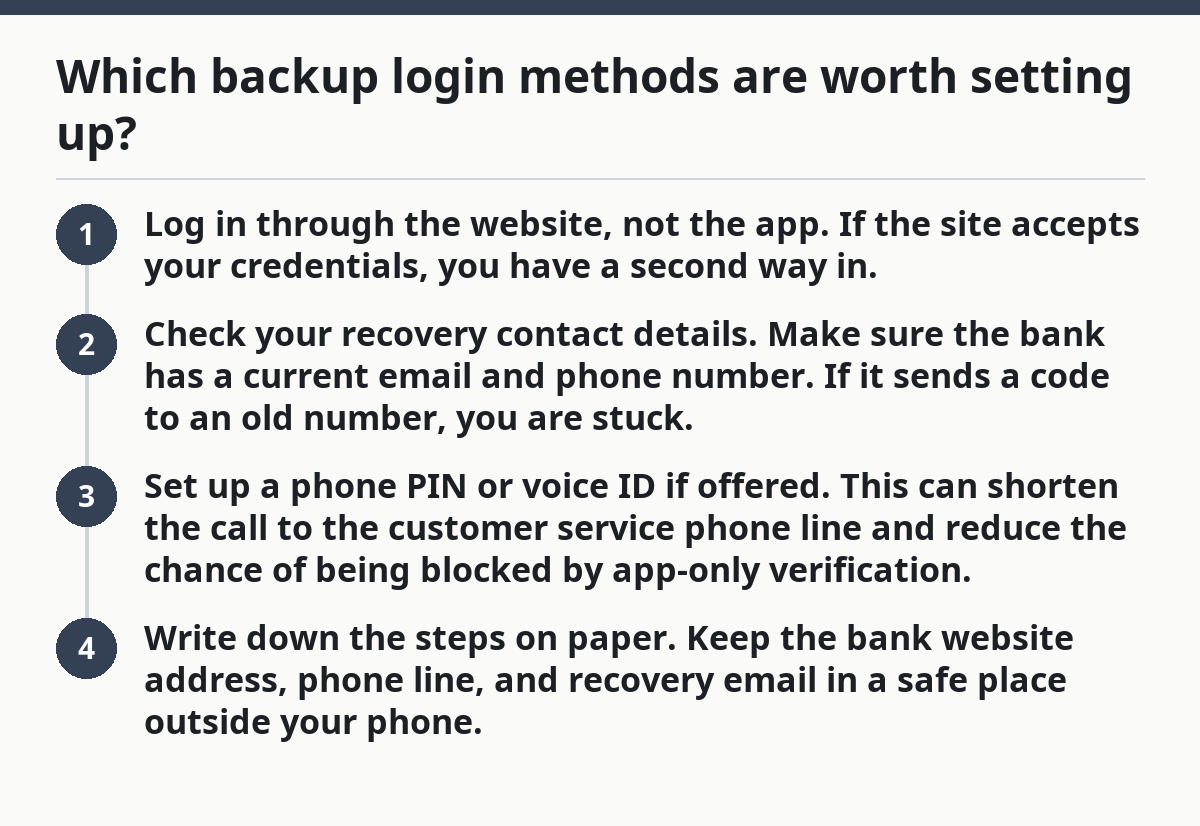
Which backup login methods are worth setting up?
The backup login methods worth setting up are the ones that can still work when your phone app does not: browser login, recovery email, SMS codes, and phone-based identity checks.
Start with browser login because it is the least fussy. If your laptop or phone browser works, you may not need the app at all. Then set up recovery methods in the order your bank allows them. A second email address and a current phone number are boring details, but they are often the difference between quick access and a locked account.
If one method fails, use the next one.
-
Log in through the website, not the app.
If the site accepts your credentials, you have a second way in. -
Check your recovery contact details.
Make sure the bank has a current email and phone number. If it sends a code to an old number, you are stuck. -
Set up a phone PIN or voice ID if offered.
This can shorten the call to the customer service phone line and reduce the chance of being blocked by app-only verification. -
Write down the steps on paper.
Keep the bank website address, phone line, and recovery email in a safe place outside your phone.
A common mistake is relying on text messages alone. If your phone dies, gets stolen, or loses service, SMS becomes useless. Another mistake is assuming the app and the website share the same problem. Sometimes they do. Sometimes the app is broken while the website still works. A backup plan should assume either case.
The trade-off is convenience. More login options mean more accounts, more steps, and more places to keep current. That is a fair cost for emergency savings. It is not a fair cost for money you need at 2 a.m. during a power cut.
What if the bank app is down but I still need cash?
If the bank app is down and you need cash, your debit card and phone line are the two fastest routes, as long as the account itself is open and the card is active.
A debit card can still work even when the app does not. That is the main reason it belongs in an emergency plan. If you can use an ATM or make a purchase that returns cash back, the app outage matters less. If the card is frozen or the bank’s system is unavailable, the phone line becomes the next path.
Use the bank’s customer service phone line to ask three plain questions:
- Is my card active?
- Is my account available through phone banking?
- Is there a backup account or alternate route I can use right now?
If the automated line gives you balances or transfers, take that as a good sign. If it routes you to a person quickly, even better. If it loops you back to the app, the setup is weak and needs work later.
You can test this during a normal week. Call once, listen to the menu, and see whether the bank gives you a usable path without forcing the app. That costs 5 to 10 minutes and tells you more than a hundred pages of banking fine print.
Do not wait for a real outage to discover that your debit card is expired, your phone number is wrong, or your PIN is gone. Those are the kinds of small failures that turn an outage into a real cash problem.
Should I keep a backup bank account?
A backup bank account is worth having if you want a second institution to fall back on when the main app or main login path fails.
This is the strongest form of redundancy because it breaks the single-bank dependency. If one bank app, one login system, or one support line is down, a second bank may still be usable. That said, it is extra work. You now have two logins, two debit cards, and two sets of account details to manage.
Use a backup account when:
- You depend on same-day access to emergency savings.
- Your main bank app has failed before.
- You want a second debit card route.
- You do not want all access tied to one customer service phone line.
Skip the backup account if you will not keep it updated. A dormant account with an old address, a stale phone number, and a lost debit card is not a backup. It is paperwork.
The trade-off is clear. A second account adds redundancy, but it also adds clutter. If you hate managing two banks, keep the second account at the same bank only if it gives you a separate login or separate card path. If your goal is outage resistance, the point is not “more accounts.” The point is more working routes.
What goes wrong most often, and what to do instead
Picture this: the app is fine today, but your backup plan fails because one old detail was never updated. That is the usual story, and it is avoidable if you know where the weak spots are.
The most common mistakes are small and boring:
-
Old phone number on file.
Cost: you fail identity checks.
Fix: update it now in online banking and through customer service if needed. -
No browser login set up.
Cost: the app outage becomes a total lockout.
Fix: log in on a web browser before you need it. -
Only one account access path.
Cost: one outage blocks everything.
Fix: keep at least one backup account path or one alternate bank. -
No paper record.
Cost: a dead phone leaves you with no phone line or website address.
Fix: store the bank’s support number and website in a place you can reach without the app. -
Assuming the debit card will solve everything.
Cost: a frozen card or declined transaction leaves you stranded.
Fix: treat the card as one tool, not the whole plan.
A generic article might tell you to “stay calm.” That is not a plan. A better plan is to know exactly which route you will try first, second, and third. That sequence matters because time matters.
The page that belongs beside this one in the broader Emergency Fund Access and Availability hub is the one that shows how to design the fund itself so it stays reachable. This article is about the outage fallback. It does not replace the setup work.
What should I have ready before an outage?
You should have the bank website, the customer service phone line, a working debit card, and one backup account path ready before the outage hits.
Think of this as your 5-item emergency access kit. If you have those pieces in place, a bank app failure is inconvenient, not catastrophic. If you are missing two or three of them, the outage can quickly become a locked-door problem.
Keep this kit current:
- Bank app installed and updated, but not trusted as the only route.
- Online banking tested in a browser.
- Debit card active and not expired.
- Customer service phone line saved outside your phone.
- Backup account or second route already open.
Review these every 6 months. Check the phone number, the website password, and the card expiration date. If any one of those is stale, fix it the same day. The work takes less than an hour, and it protects money that is supposed to be there when the rest of life is not.
What happens if my bank app is down?
If your bank app is down, the first move is to try the bank website in a browser. If that fails, use the customer service phone line and check whether your debit card or phone banking still works.
The app failing does not always mean your money is unreachable. It usually means one front door is closed. A backup plan is useful because it gives you another door before the bill, repair, or trip leaves you waiting.
How can I reach savings without the app?
You can reach savings without the app through online banking, a phone banking line, or a debit card tied to the account.
The best option depends on what the bank supports. Browser access is usually best for transfers, the phone line is best for identity checks, and the debit card is best for spending or cash. If none of those work, you need a better backup setup.
Should I keep a backup bank account?
A backup bank account can be worth it if you want another institution to fall back on during an app or login outage.
It is the strongest redundancy, but it also means more upkeep. If you won’t maintain the contact details, debit card, and login, a second account can become dead weight.
Drafted with AI; not yet reviewed by a person.